 Slowlights
Data Privacy, Accounts & Backups
Why Slowlights has no accounts, what stays on your phone, and how a backup code keeps your town safe.
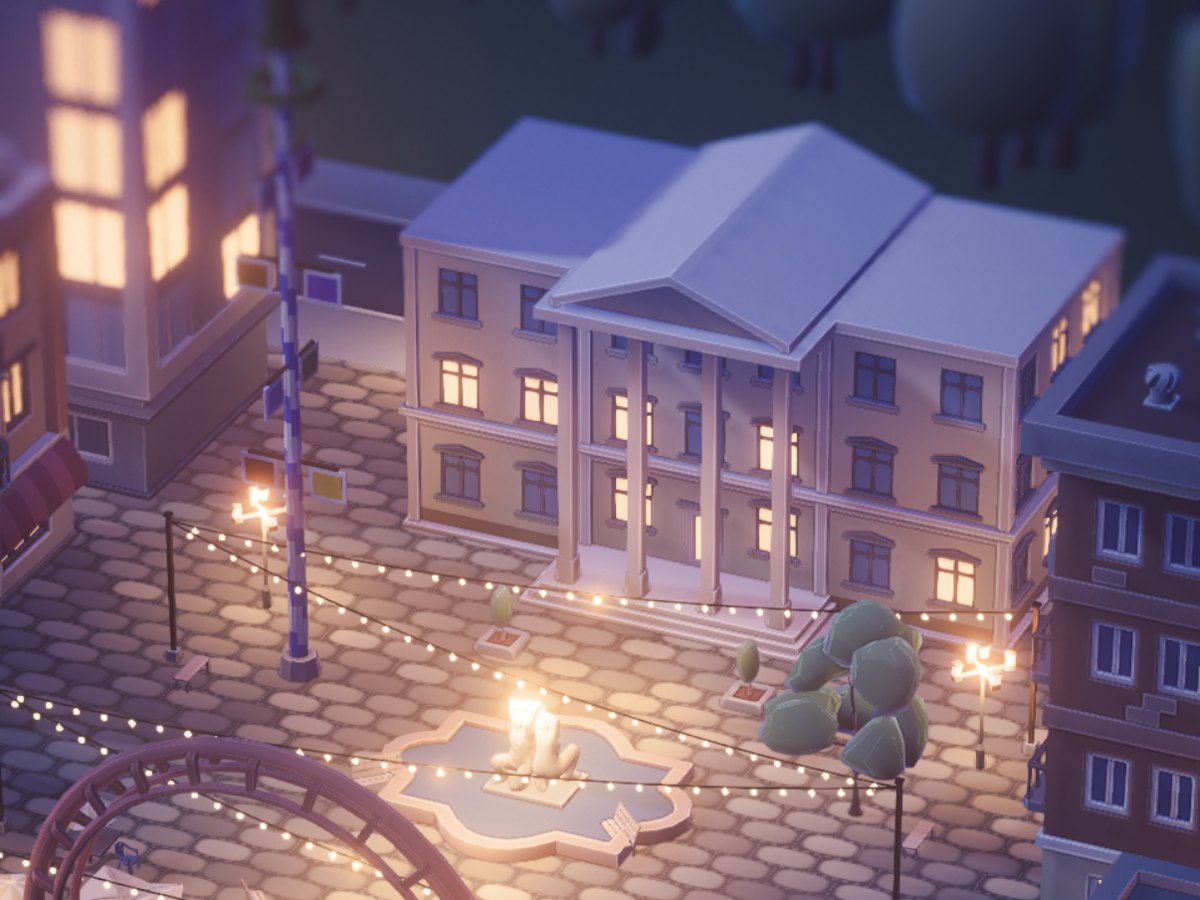
They say Germans have some kind of obsession with data privacy and I mean, they’re not wrong. I was thinking long and hard about whether to introduce a login for Slowlights or keep all town data stored on your device. I came to the conclusion that, at least for now, I want to keep it simple and store everything on the device. No accounts needed. Whether that’s the right decision or not is yet to be seen, but I had a couple of practical reasons for this.
- Your personal data doesn’t leave your phone. Slowlights does not collect your Apple ID or any other device data (other than your model, like iPhone 14) and it doesn’t need to send this data across the globe. If that doesn’t make you sleep better at night, I don’t know what would.
- I collect as little as possible, so there’s little to protect. Time I don’t spend on GDPR overhead is time I can spend on improving Slowlights. Want your backups gone anyways? Drop me an email at hello@slowlights.app with your backup code and I’ll delete them.
- Slowlights does not need a complicated backend that way. Where there are user accounts and related data, it has to be stored somewhere on servers and in databases. You wouldn’t see any of this, but it is a lot of work setting it up in a way that is safe and smooth.
You see how that saves both of us a headache. But it doesn’t come without trouble. If any bug in Slowlights ever crashes your town and destroys your save file on the phone, there would be no way for you to recover it. Poof, your town would be in nirvana forever. And imagine that happens after a year with all your fancy skyscrapers and stadiums? That’s no fun at all. So I had to come up with a failsafe way that lets me restore towns in case of emergency and here’s the least techy way I can explain it:
Imagine you are going to a restaurant and you are sitting at table 7. The waiter knows which table to bring your dishes to, but he doesn’t need to know any of your information. It’s the same in Slowlights. When you first open Slowlights, a random and unique set of characters is assigned to you. This is your backup code. Once a day, all your town data is uploaded to tiny storage (I know I said no servers, but this one sits in Europe and is really tiny) identified by this code. Your save does not contain any of your personal data. It roughly just contains the layout of your town and where buildings are located. Should your town ever crash, your broken save will be automatically made available to me to investigate. In the best case, I can fix your broken save for you and your beautiful town lives to see another day. In the worst case I have your save from the previous day and can restore it.
Your backup code survives uninstalls/reinstalls and moves with you to a new phone as it’s stored in your iCloud Keychain. But if you want to be extra safe, keep a screenshot, as I will not be able to tie your save to your town without the code.