 Slowlights
A month of testing and the biggest Slowlights update so far
Custom plots, a shop, Growth, towns with more districts and a lot of fixes. Everything the first month of testing changed in Slowlights.
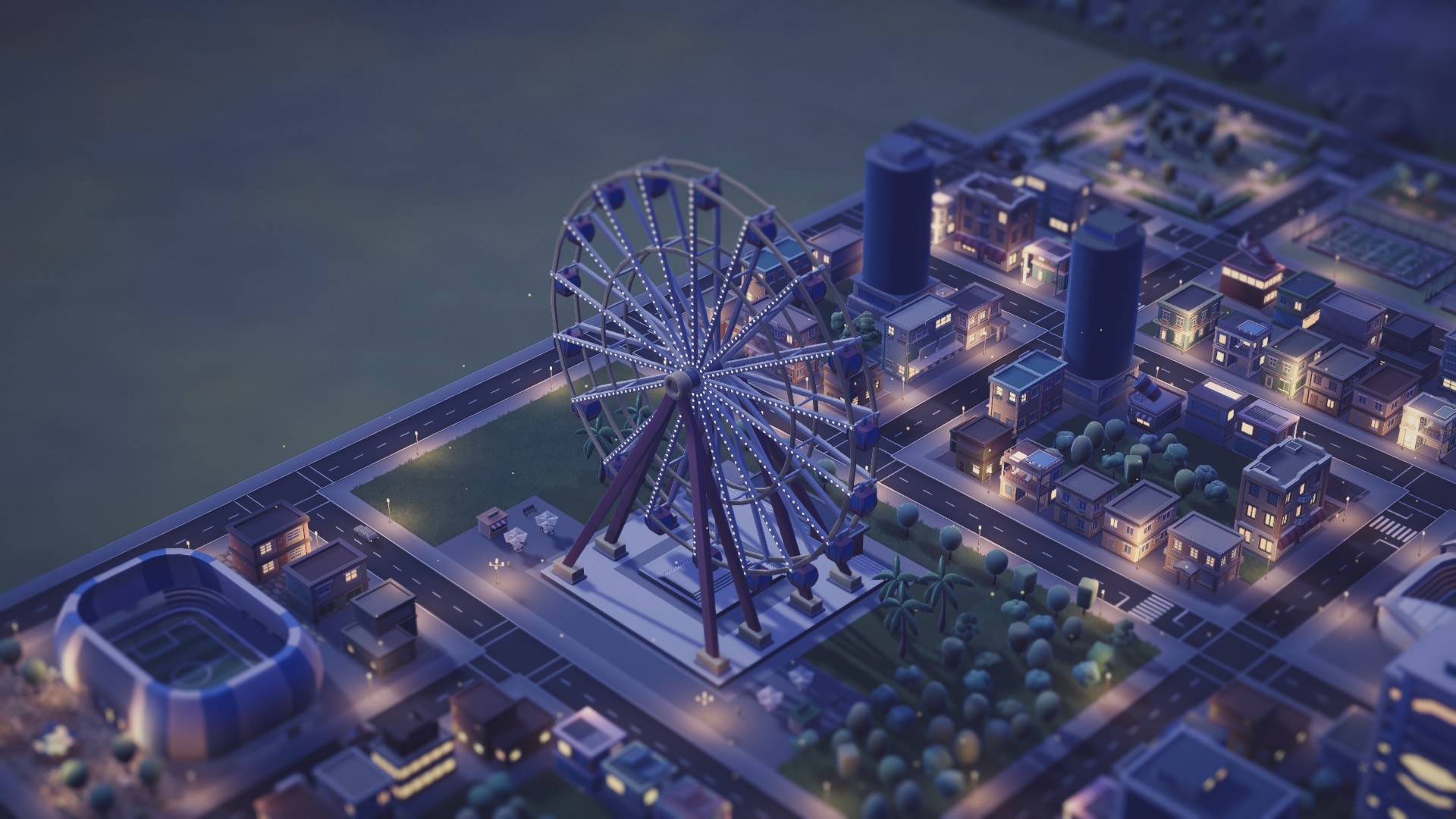
When I first built Slowlights, I never expected it to blow up the way it did. I posted a skit of a news report about a town that got built while its owner’s phone ran out of battery. It got 150,000 views overnight. My phone was buzzing constantly, the app got downloaded more than 1,000 times, my inbox got flooded and people kept joining the Discord. This was around a week after I launched the Slowlights beta. I was overwhelmed and touched by all the positive feedback I received, and I really want to start this post by saying thank you, from the bottom of my heart. So many of you told me how much you like the look of the town and how it helped you reduce your screen time, and that’s more than I could ever have dreamed of. Your feedback also shaped what is now the biggest Slowlights update so far, and this post walks you through it.
I never expected to go this big this early and I am super grateful for it. Remember the Dragon Ball Z episode with the Hyperbolic Time Chamber, where a whole year inside passes in a single day outside? That’s how I felt. I received super valuable feedback and was able to test Slowlights at a scale and learn things that would otherwise have taken months or years.
Naturally, the purpose of a test is to break things, and I am glad so many of you tested, because a lot of bugs surfaced. Together we found out that the blocking was way too strict, that Apple’s Screen Time reports weren’t always reliable, and much more. But it wasn’t only bugs. Many balancing issues and inconsistencies piled up over the weeks too. Slowlights got so many new things that I wanted to give this update its own post. Let’s dive into what changed.
Custom plots, shop & Growth
One thing that kept popping up as more people tried the app was the lack of agency in Slowlights. The town grows the less you use your phone, but there was little to do besides that. The research system was meant to give players more buildings as the town grows, but it was also mostly passive. So this part of Slowlights got a complete overhaul.
The research system has been removed entirely. Instead, every player’s town now sets aside custom plots from time to time. Slowlights never builds anything on them, and it’s up to you to place the buildings you love there. Focus time now rewards you with a new currency called Ember, and a brand new shop lets you buy whatever buildings you like with it. Custom plots come in four sizes, and only buildings of the matching size fit on them. There are small, medium and large buildings, as well as landmarks for the big moments!
But that’s not all. Placing buildings also gives your town a boost in Growth. There are four categories: Families, Nature, Jobs and Shops. Each placed building adds to one or two of them. The bonus adds up over time and unlocks new levels in each category, and every level-up in turn unlocks new buildings in the shop. So there’s always something to look forward to.
The ring menu
The shop and Growth screens needed a home, so Slowlights now has a button that brings up a small menu that takes you to the shop and the Growth screen. I also added buttons that take you to the next custom plot and the next construction site.
Town changes
- Until now, a town only had one district. This update lets your town grow: once a district is nearly full, the town starts building a new one.
- The building speed was way too high. After one week, a town could reach about 100 buildings, so I toned the balancing down.
- Set pieces and predesigned scenery got a redesign, so parks in particular look way better, and many buildings now stand on paving.
- Unfortunately, there was also a bug that affected about half of the testers: the town layout was wrong from the start. I wanted to guarantee at least one large and one landmark plot per district, but due to a bug some players never got a large plot or a landmark plot. This is now fixed.
Looks
- I optimized some of the game’s lighting, and the sun now stays fixed instead of rotating with the camera.
- Street lamps now cast light onto walls at night.
- Smoother fades between day and night.
Performance
I spent a lot of time on performance. In my tests, battery drain is about halved and the phone stays cool about four times longer. On top of that, some effects are now turned down when your phone heats up or is in Low Power Mode, and big towns with several districts no longer freeze for a few seconds after you open the app.
Bug fixes
- Some buildings turned a weird color when panning the camera. This should now be fixed.
- Fixed a bug that caused stuttering in the town’s look-back.
What it means for your town
When you open the update for the first time, a few things happen at once:
- Your town gets its custom plots. Where a plot is set aside, the buildings the town had already put there are cleared, so your town might look a bit different.
- Your town gets its large plots right away and its landmark plot with its next district.
- Unused research progress is turned into Ember, and the buildings you already discovered through research stay unlocked in the shop.
- Everything else that already stands in your town stays, even buildings that have now moved to the shop.
- Your town builds slower than before. That’s on purpose, so it has room to grow for months instead of being done in a week.
- If your town is already nearly full, it might start a new district right away.
That was quite a big one, so I am super curious about your feedback on this update. As always, you’re invited to join our Discord server to give feedback or share your town!